File Lock
Encrypt any file or folder on your Mac and unlock it only with Touch ID.
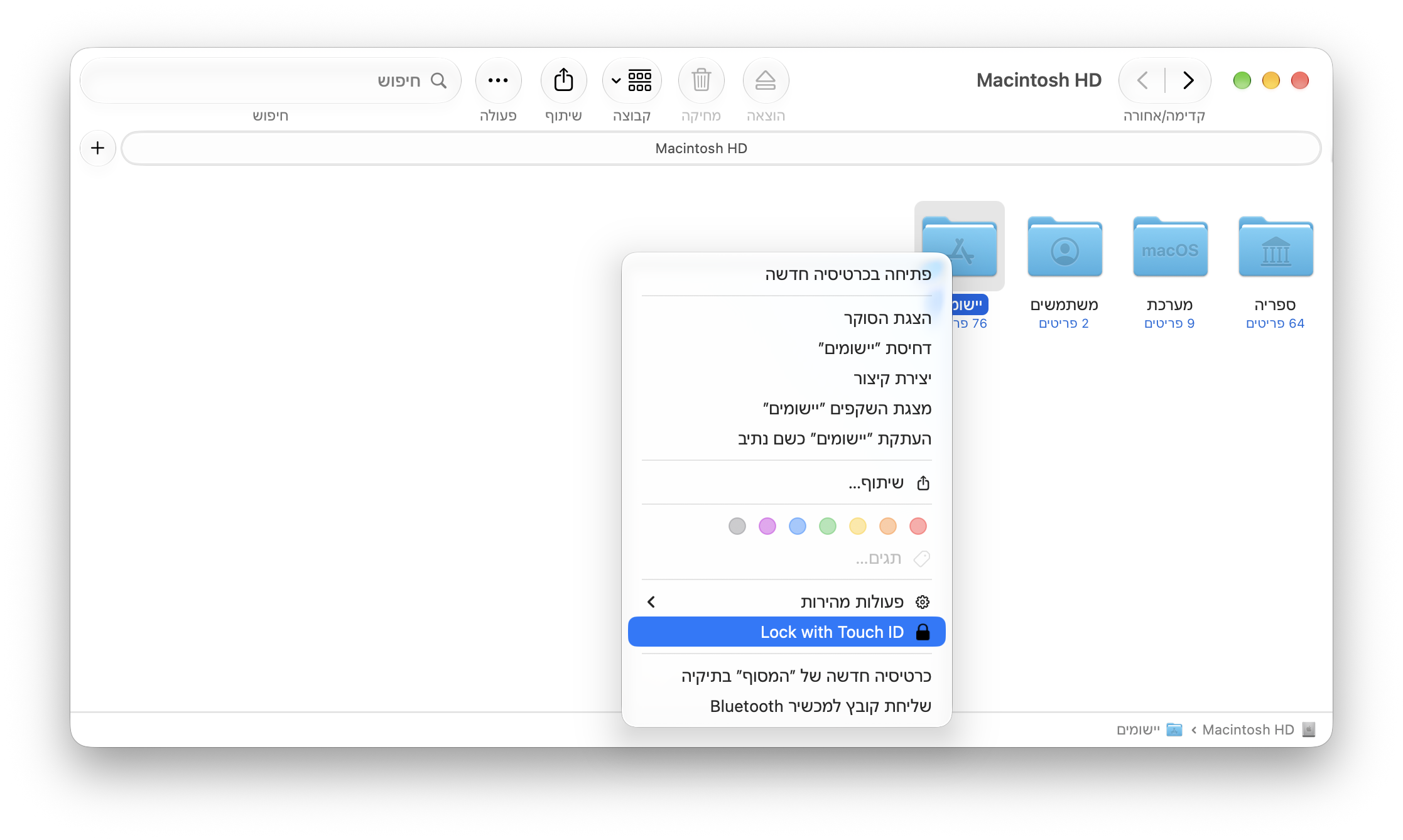
File Lock is a small native menu-bar app that protects private files and folders right where they are, without moving them into a vault. Locked items keep their normal icon with a small lock badge, open with your fingerprint, and lock themselves again when you close them.
Requires macOS 14 or later. Touch ID is recommended; your Mac password works too.
Features
- Lock anything. Documents, photos, videos and whole folders, encrypted with AES-256-GCM.
- Looks the same. Locked items keep their own icon with a small lock badge, so you always know what they are.
- Touch ID to open. Double-click a locked item, verify, and it opens in its usual app.
- Quick Look support. Pressing Space on a locked file asks for Touch ID before showing the preview.
- Re-locks automatically. When you close the file, your changes are encrypted back and the temporary copy is removed.
- Private. The key is created on your Mac and kept in your keychain, with backup and restore from the menu bar. No network access, no account, no data collection.
Install
Download the latest .dmg from the Releases page, open it, and drag File Lock to Applications. The app is not notarized, so on first launch go to System Settings → Privacy & Security and click Open Anyway. It then asks for Accessibility permission, which it uses to notice when you close a file. Full instructions are in the README.